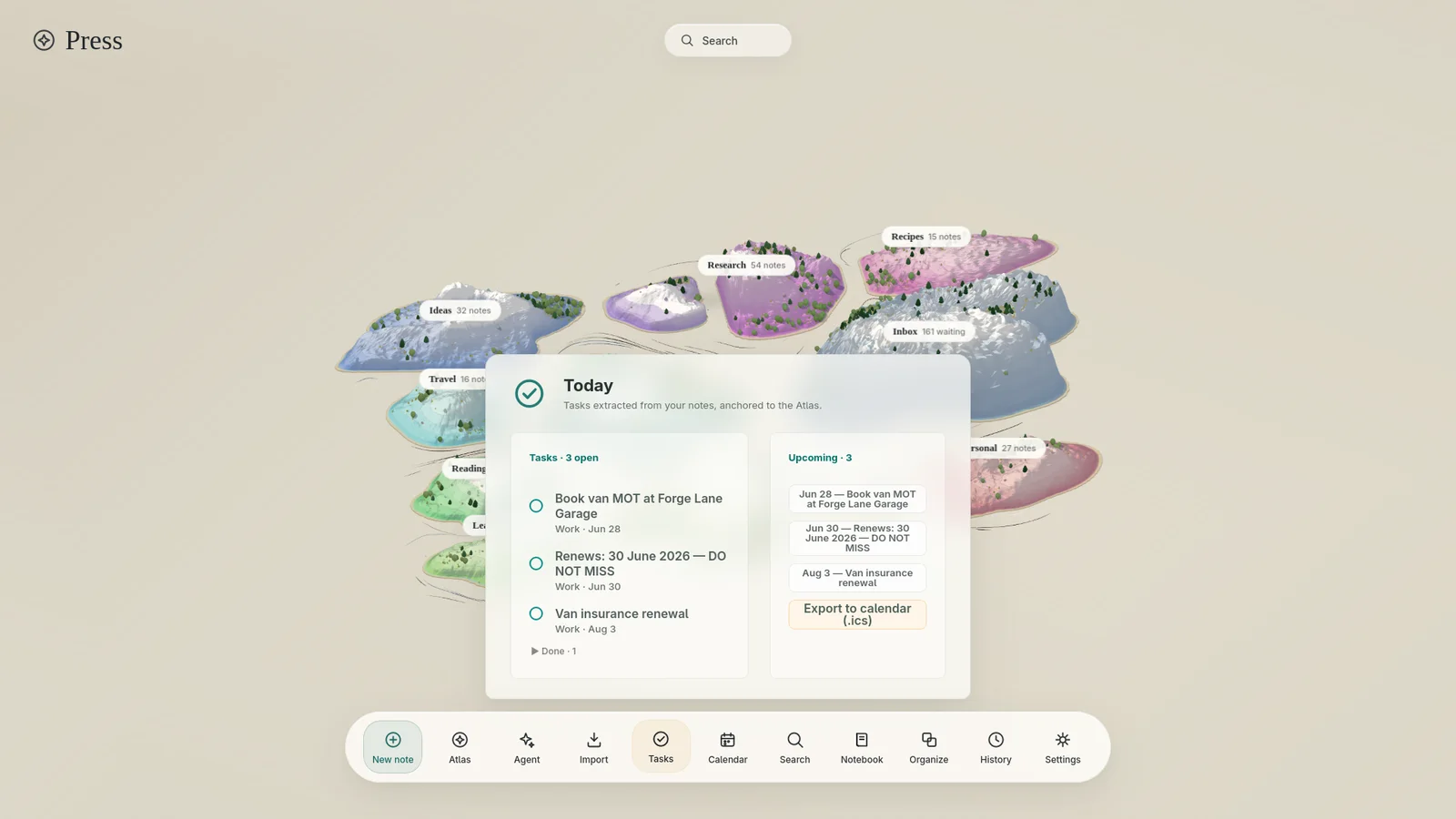
Tasks surface themselves
“Renews 30 June — DO NOT MISS” buried in Tuesday’s note becomes a real task with a real due date, ticked from the panel or the note — they stay in sync.
A field journal for everything in your head
Jot the thought and close the window. Press reads every note, titles it, tidies it, files it where it belongs — and draws your whole notebook as a living map, so you can see what you know.
Free while in beta · Your notes stay on your disk · Bring your own Anthropic key
Every notes app starts as a fresh page and ends as a junk drawer. Folders you stopped sorting in 2021. Seventy notes named “Untitled”. The thing you know you wrote down, somewhere. The tools remember everything and organize nothing — because organizing was always your job.
Press makes it the notebook’s job.
How it works
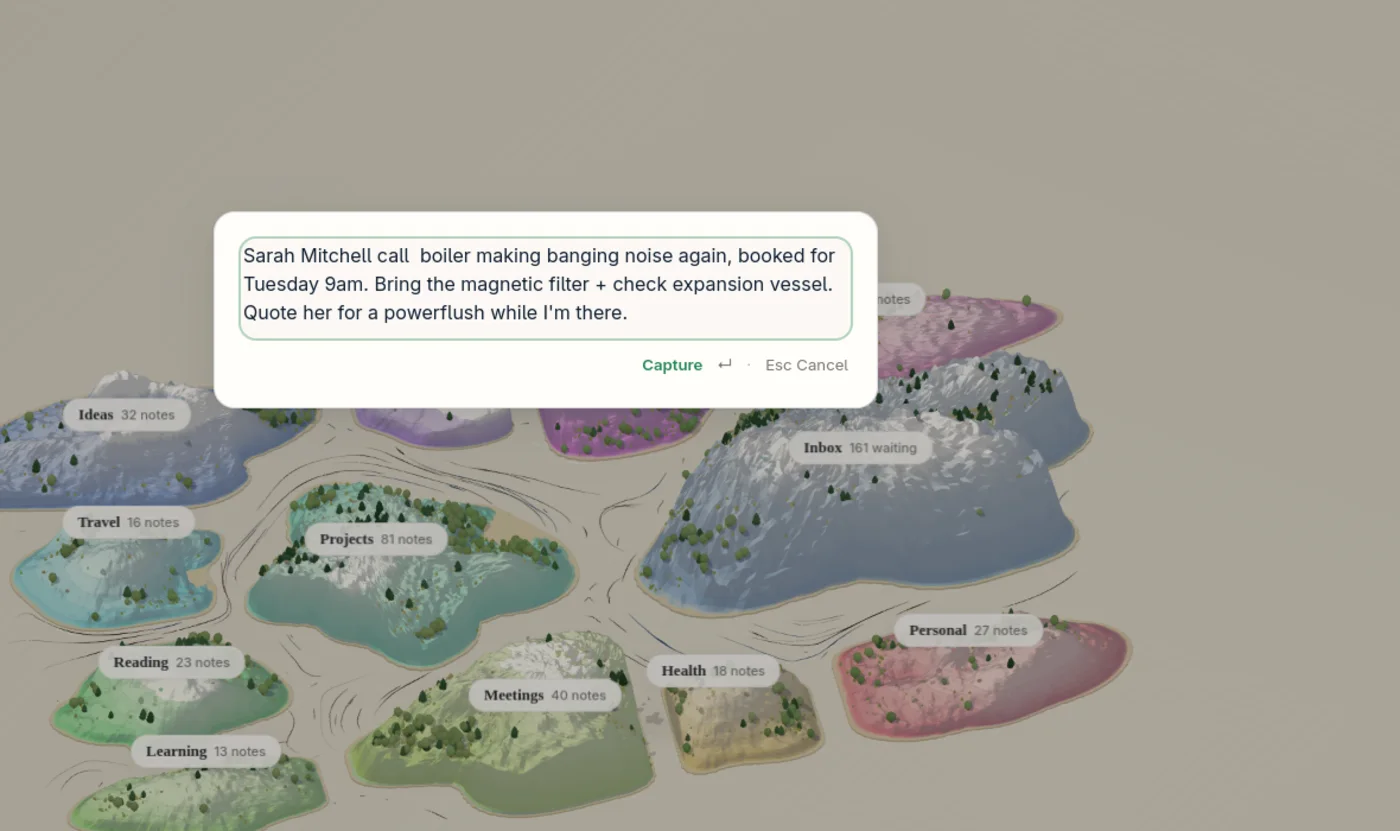
Hit the capture shortcut anywhere — over a call, mid-job, half a thought. Type it raw and hit enter. No folder to choose, no title to invent, no app to tab into. Paste five things at once and Press splits them into five notes.
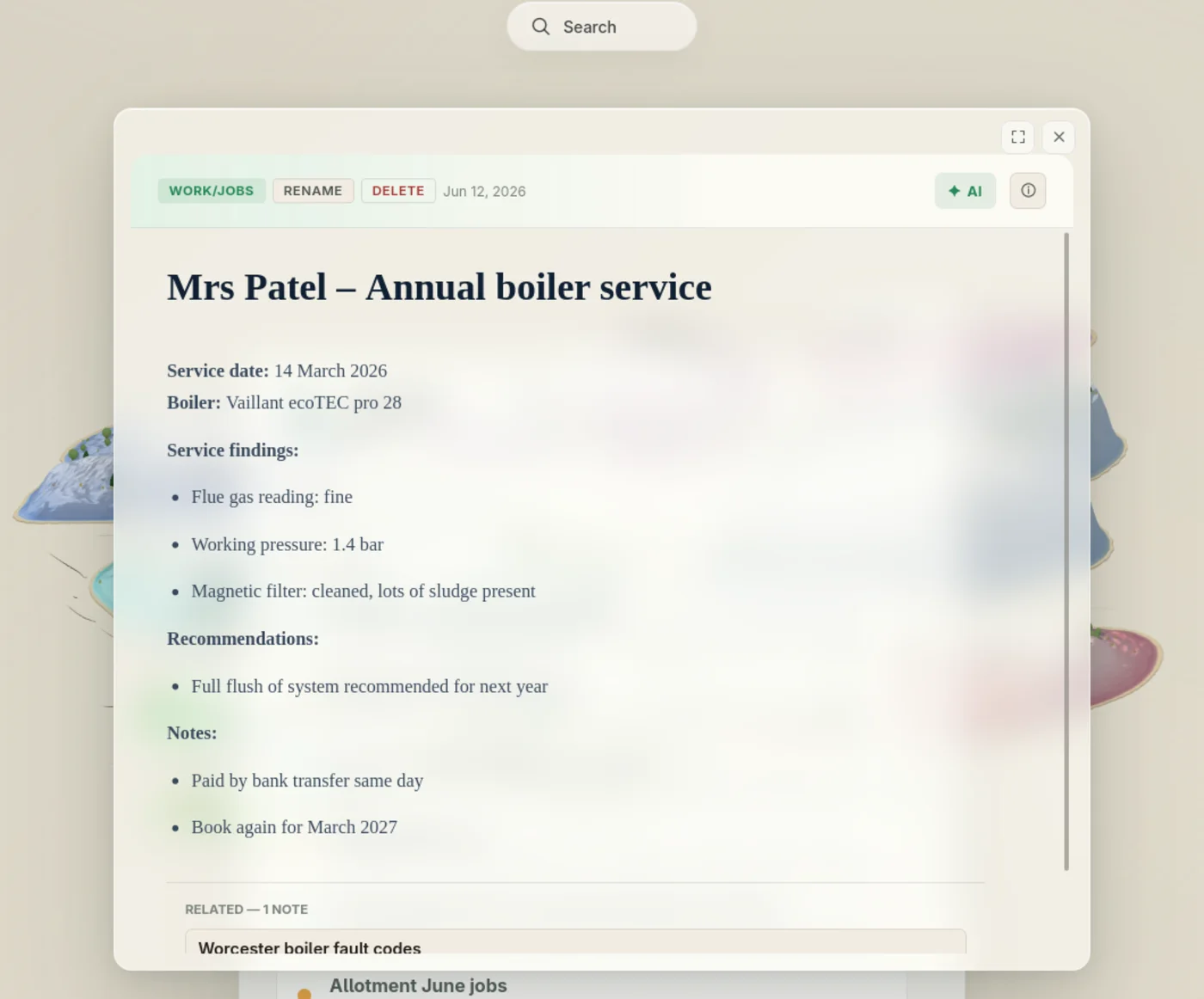
A clerk works through the queue behind you: it reads the note, gives it a real title, files it into the right place in your structure, straightens the formatting into clean Markdown, fixes typos — cautiously, never your nouns — pulls out the tasks and due dates, and indexes the meaning, not just the words.
It’s a durable queue, not a prayer: quit mid-batch, go offline, come back tomorrow — it picks up where it left off.
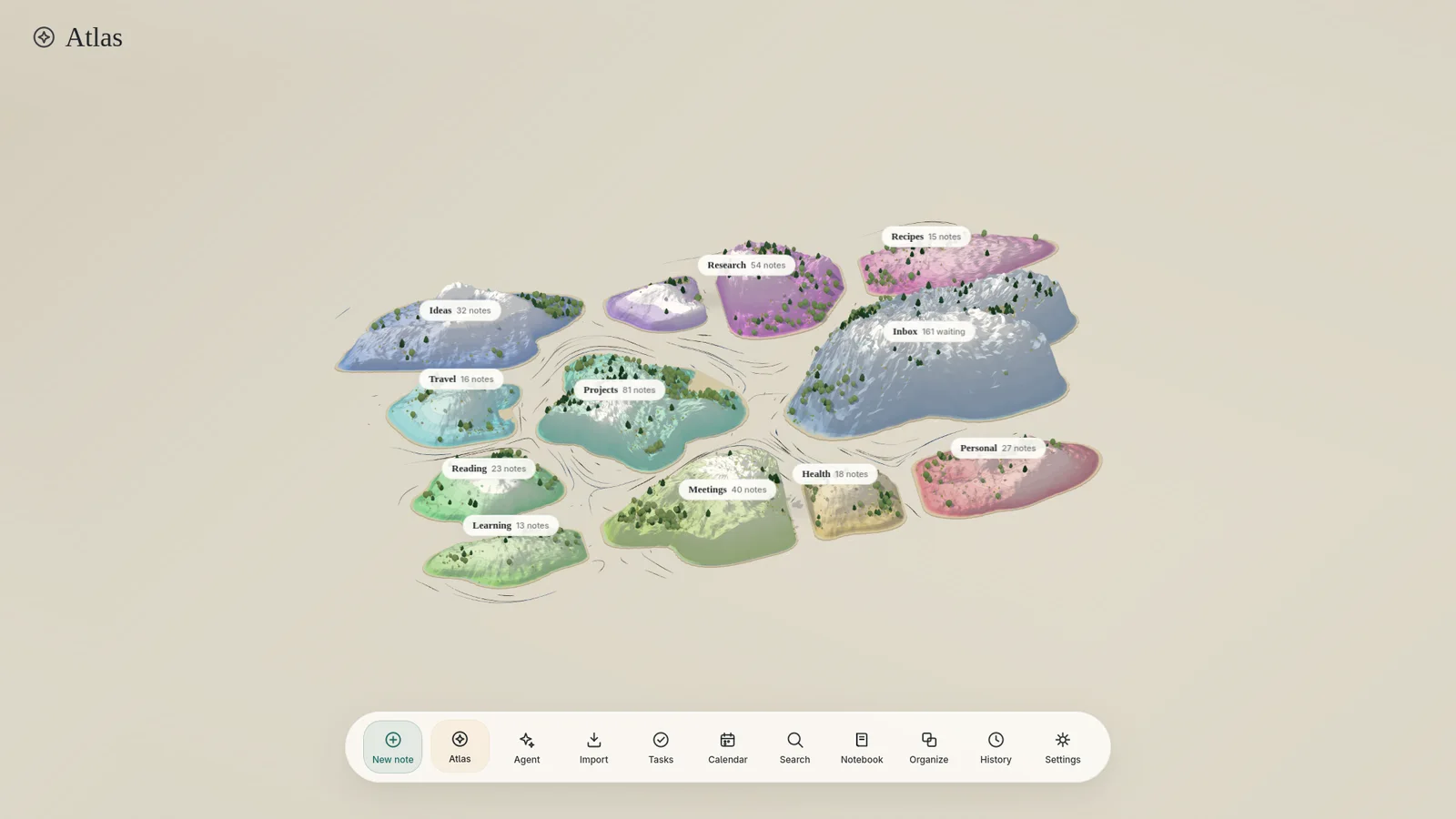
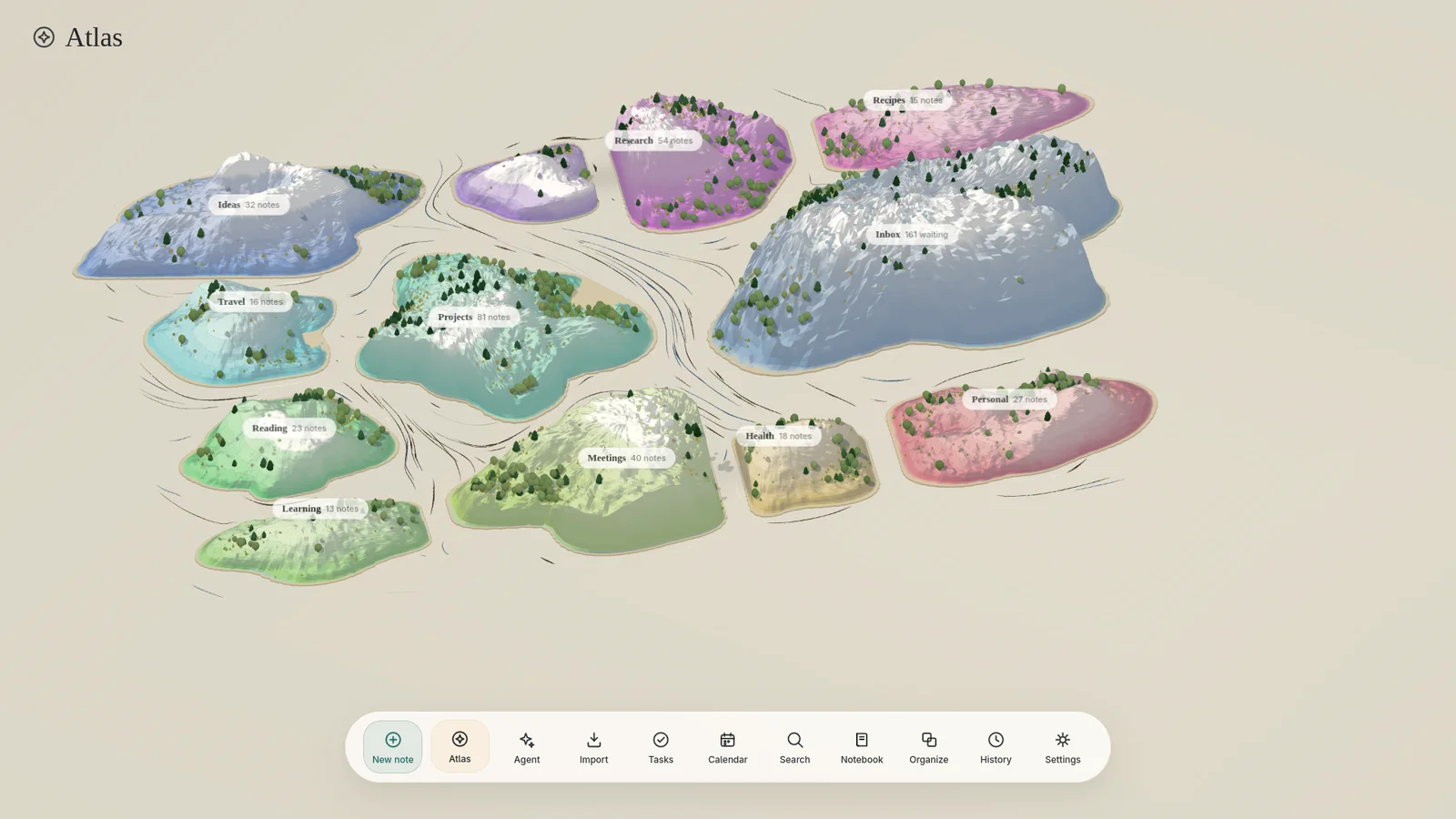
Every filed note lands somewhere you can see. Your notebook isn’t a list — it’s an archipelago. Topics become islands; islands grow mountains as they fill; sub-themes gather into coves; new notes wait in the Inbox harbor. You stop searching for where things went, because you watched them arrive.
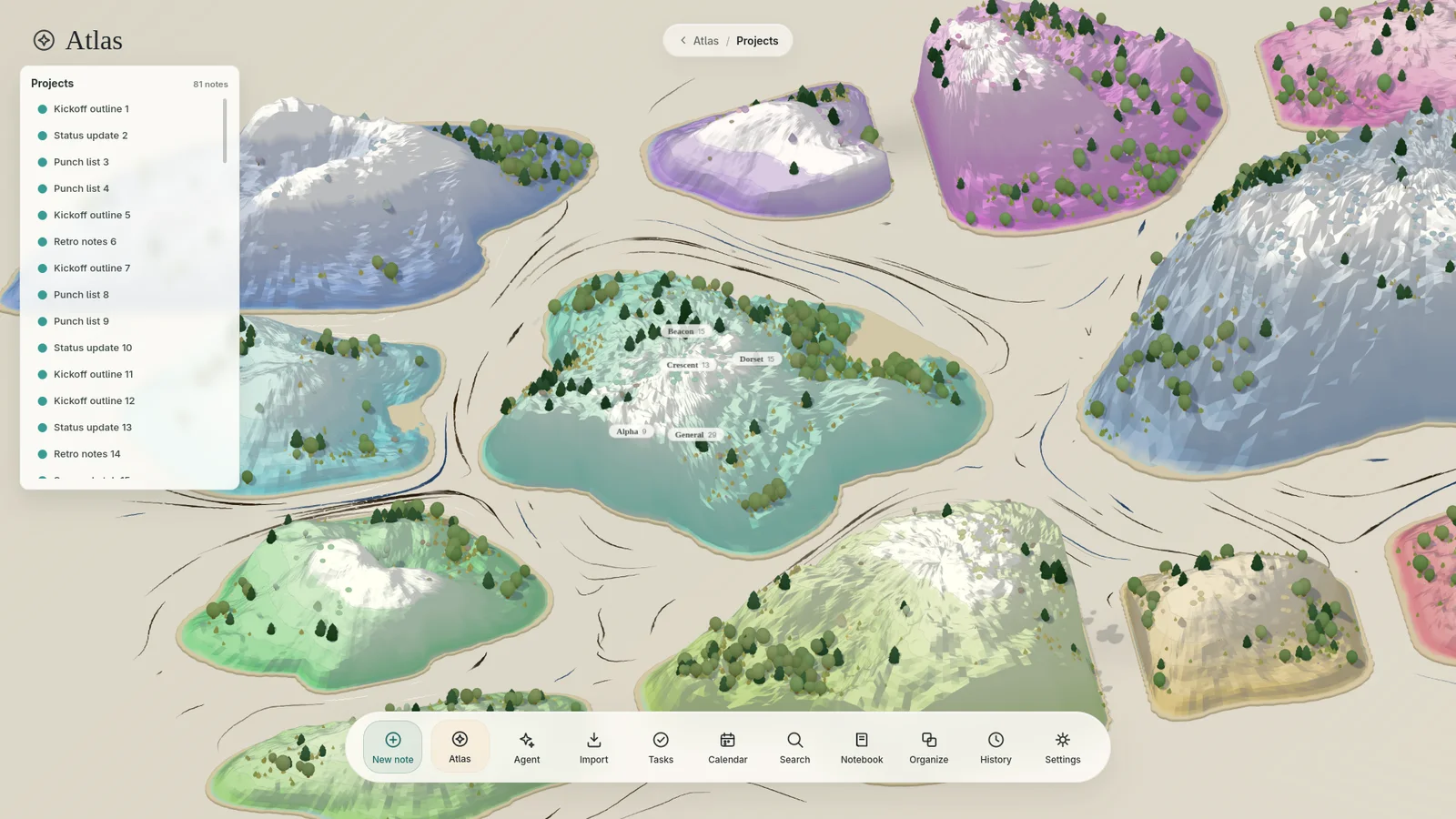
The Atlas
Hierarchies hide; maps show. The Atlas is Press’s home screen — drawn from your real folder tree, repainted as you write. After a week you navigate it the way you navigate your own town: without thinking.
The rest of the desk
“Renews 30 June — DO NOT MISS” buried in Tuesday’s note becomes a real task with a real due date, ticked from the panel or the note — they stay in sync.
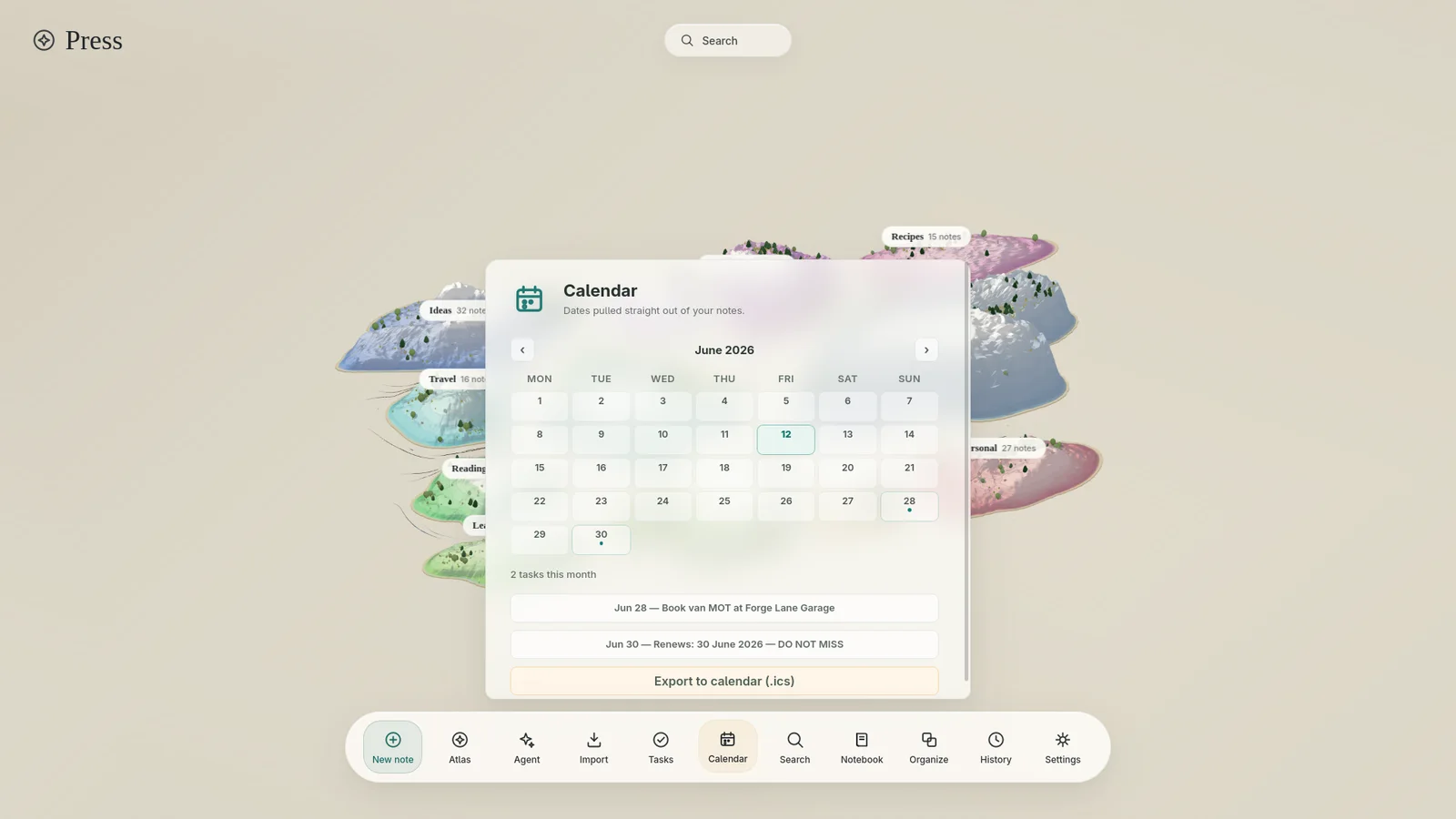
Every dated thing in your notes lands on a real month view. Export the lot to your phone as .ics in one click.
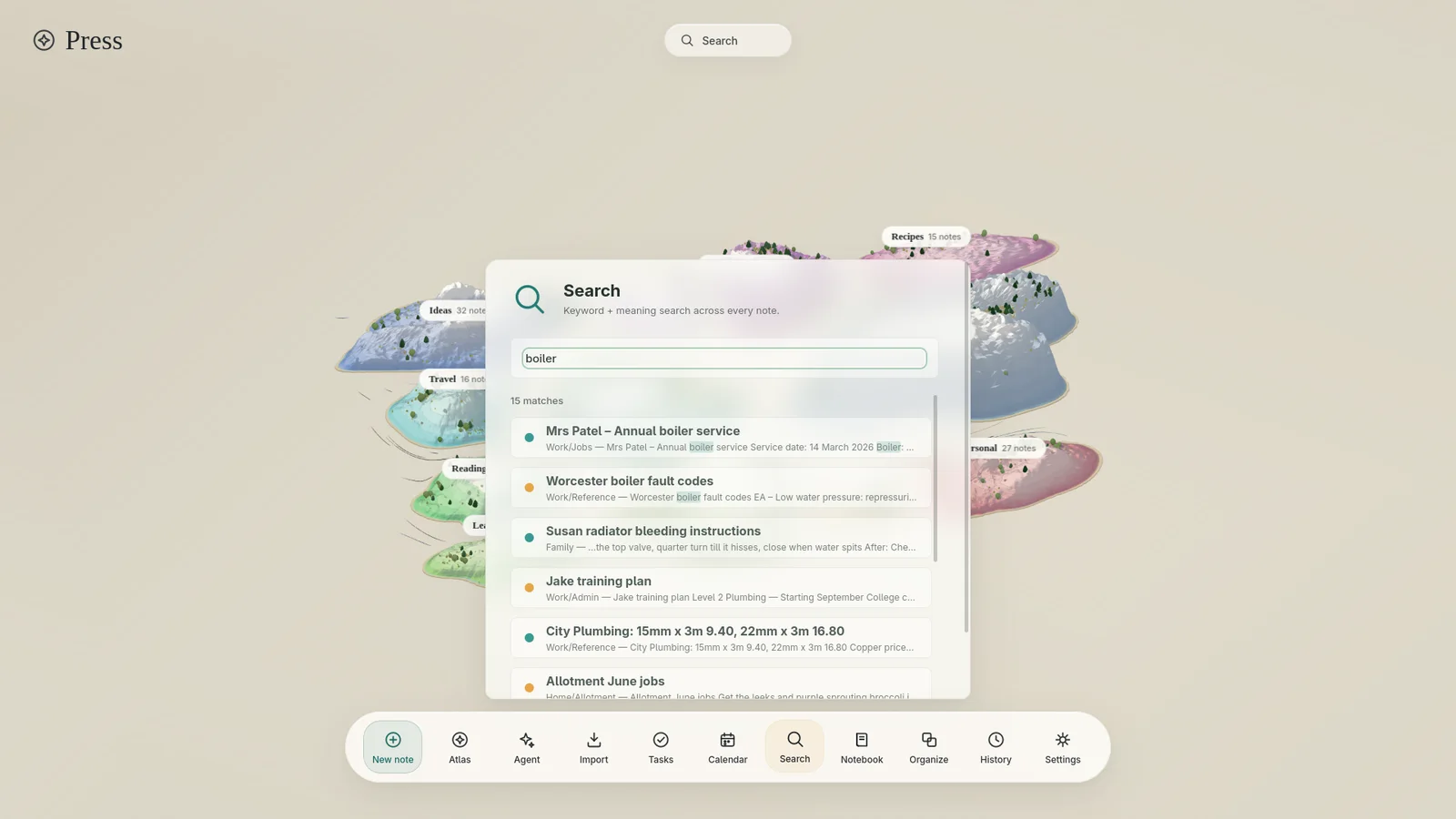
Keyword-instant, meaning-aware. Local embeddings mean “heating playing up” finds the boiler notes — even when no words match.
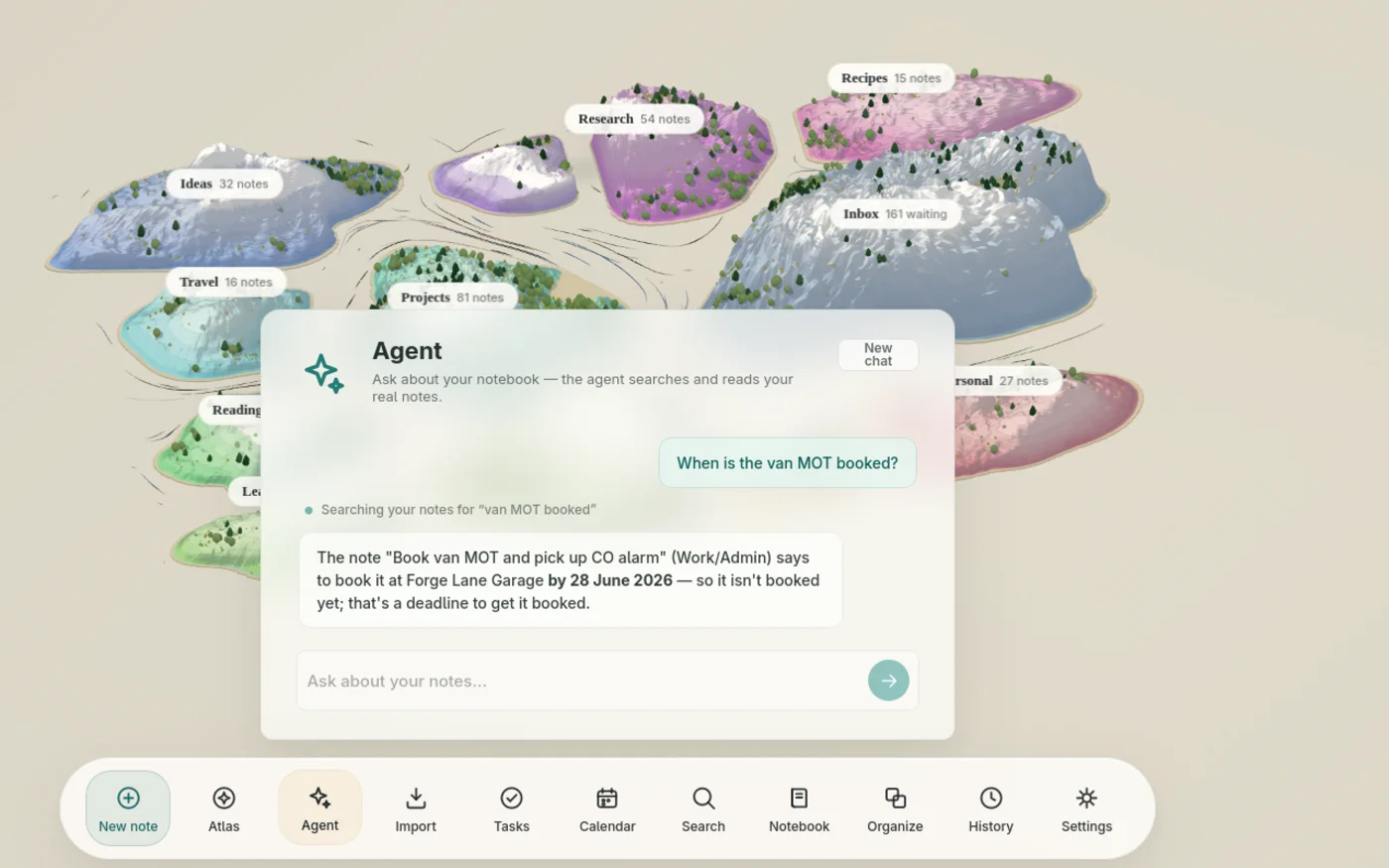
The agent searches and reads your actual notes to answer — “when is the van MOT booked?” — and cites where it looked.
Bulk-import OneNote exports, Markdown, plain text. Duplicates are detected, the pipeline is rate-limited and resumable, and every imported note gets the full treatment.
Capture, search, tasks, the Atlas — all local, all instant. Cloud steps queue politely and catch up when you’re back.
Trust
An AI that moves your notes around had better keep receipts. Press keeps all of them.
Each AI move is written to an append-only decision log — what moved, where, why, and how confident it was.
One click reverses any filing decision. Undo a whole cluster run. Conflicts are detected, not steamrolled.
Three autonomy levels — act silently, act and tell you, or propose and wait. Per kind of action, changeable any time.
Move a note back and Press learns the preference — your filing rules, injected into every future decision. It never trains on its own guesses.
Your files
Press is local-first the boring, verifiable way: open the folder and there’s your notebook.
grep. The files are the truth; the database is just an index.If Press disappeared tomorrow, you’d still have a tidy folder of Markdown. That’s the deal.
Pricing
The Linux beta is free today — every plan below opens with it.
$0
The local notebook, forever. Capture, search, tasks, calendar, and the Atlas — all on-device. Notes wait in the harbor until a clerk arrives.
Founder price at launch
$8/mo
The AI clerk with zero setup — no API account, no top-ups, no keys. Subscribe, paste the license from your receipt, and the filing starts. Fair-use included usage that's more than you'll write; if you ever hit it, notes simply wait — never a surprise bill.
Get Press Plus — 7 days freeFounder subscribers lock $5/mo for life with code FOUNDER.
Free
Bring an Anthropic API key and pay them directly — your notes travel straight to Anthropic with no middleman, ever. For the crowd that read the spec table above and smiled.
Plus requests pass through our metering relay, which counts tokens and stores nothing else — your note content is never logged or retained. Bring-your-own-key mode has no relay at all.
Questions
The notebook is free, and the Linux beta is fully free today. When Press Plus opens (next beta release), the AI clerk is $8/month with zero setup — founder subscribers lock $5/month for life. Prefer no subscription? Bring your own Anthropic API key instead, free forever, billed by Anthropic at cost (a typical note costs a fraction of a cent).
Linux today (.deb and AppImage). macOS and Windows builds are planned — the app is built on a cross-platform stack, and they’ll arrive during the beta.
For the AI clerk, yes — it takes about two minutes to create one at console.anthropic.com, and Press walks you through it on first run. Without a key, Press still works as a fast local notebook: capture, search, tasks, and the Atlas all run on-device; notes simply wait in the harbor until a key arrives.
In a vault folder on your disk, as plain Markdown files organized into the same folders you see in the app. Back up, sync, or leave with them whenever you like — there is no export step because there was never an import into anything proprietary.
Note content is sent only to the Anthropic API, under your key and their data policy — API inputs aren’t used to train models by default. Nothing is sent anywhere else, and search embeddings are computed locally.
Drag it back — or undo it from the decision log, where every AI action sits with a one-click reverse. Corrections become standing preferences, so the same mistake doesn’t happen twice.
They’re excellent filing cabinets that still expect you to do the filing. Press starts from the opposite premise: organizing is the product’s job. You write; the notebook stays tidy and shows you its shape.
Linux beta, free. Five minutes from download to your first filed note.
.deb for Debian & Ubuntu · AppImage for everything else
macOS & Windows: on the way. Watch releases to hear first.